
Free AI Unblur Image Online
Start Free with 20 Credits
Create an account and use free credits to unblur images online
Upload Blurry Image
or drop files here
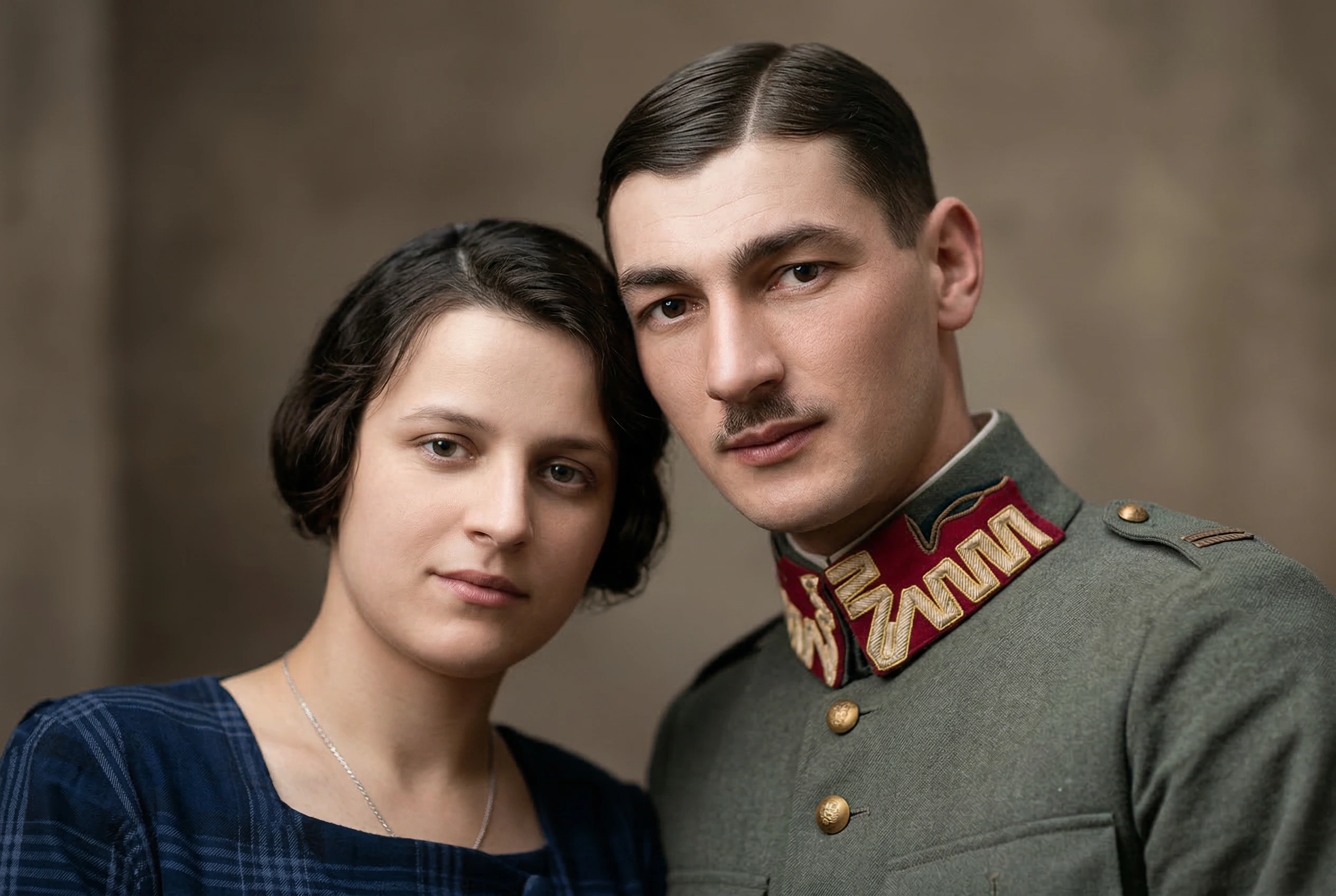
AI Unblur Image Prompt
This is the exact Nano Banana 2 prompt used by the free AI unblur image workflow:
“Enhance and unblur this image while preserving the original composition, facial features, colors, lighting, and natural texture. Restore sharp details, improve clarity, reduce motion blur and softness, and make the subject look clean and high-resolution. Keep the image realistic and avoid changing the identity, background, expression, or overall style. Do not over-smooth skin, do not create artificial details, and do not alter any text or objects in the image.”
Powered by Nano Banana 2 and tuned for realistic sharpening without changing identity, background, expression, text, or objects.
AI Image Unblur for Clearer Photos
Use a focused AI unblur workflow for photos that look soft, shaky, compressed, or slightly out of focus.
Reduce Blur Without Overprocessing
Clean up handheld shake, mild motion blur, soft focus, and low-detail edges without making the photo look plastic or illustrated.
Preserve Faces, Text, and Objects
The fixed Nano Banana 2 prompt is written to preserve identity, facial features, expression, background, colors, lighting, text, and objects while improving clarity.
Free Preview to 4K Output
Choose 1K, 2K, or 4K output for a fast preview, a sharper social post, or a cleaner high-resolution image for detailed review.
Batch Unblur Multiple Images
Upload several blurry images and process them in one queue. Each file runs as its own Nano Banana 2 task so completed results are easy to compare and download.
How to Unblur an Image Online for Free
Fix blurry images in three simple steps with Nano Banana's free AI unblur image tool.
Upload Blurry Photos
Drag and drop JPG, PNG, WebP, or JFIF images up to 30MB. Add one image for a quick fix or multiple images for batch unblur.
Choose the Output Quality
Select 1K, 2K, or 4K. Nano Banana 2 sharpens details, improves clarity, and reduces blur with the same preservation prompt for every task.
Compare and Download Results
Review the before and after comparison, switch between batch results, download one unblurred image, or download all completed outputs together.
Free AI Unblur Image FAQ
Answers to common questions about using Nano Banana to unblur images online for free.
How do I unblur an image online for free?
Upload your blurry image, choose an output resolution, and click Unblur Image. New users can start with free credits, and Nano Banana 2 returns a before and after comparison for download.
Can AI unblur image details without changing faces?
Yes. The unblur prompt is designed to preserve identity, facial features, expression, colors, lighting, background, text, and objects while improving clarity and avoiding artificial details.
Is this AI unblur image tool free to try?
Yes. New users receive free credits after signing up. Each AI unblur task uses Nano Banana 2 credits based on the selected resolution: 1K, 2K, or 4K.
Can I unblur multiple images at once?
Yes. The workspace supports multi-image upload and batch processing. Free users can process one image at a time, while Pro and Premium users can process up to five images per batch.
What blurry images work best with AI unblur?
The best inputs have mild or moderate blur, camera shake, soft focus, compression softness, or low-detail edges. Extremely unreadable images may not contain enough visual information to recover accurately.
Will AI change text or objects in my image?
The prompt explicitly tells Nano Banana 2 not to alter text or objects. As with any AI image edit, review the result before using it in production, records, or official documents.
Which resolution should I choose to unblur an image?
Use 1K for fast previews, 2K for balanced quality and credit cost, and 4K when you need a cleaner high-resolution output for print, archives, or detailed review.
Can I use unblurred images commercially?
You can use generated outputs according to your rights in the original image and Nano Banana's terms. Make sure you have permission to edit and use the source image.