
Google DeepMind's video model for native sound and realistic motion
Veo 3 AI Video Generator with Native Audio
Sign up & get 20 free credits
Start creating videos for free
Start Frame
JPG, PNG, WebP · Max 10MB
End Frame
JPG, PNG, WebP · Max 10MB
Veo 3 Video Examples
Compare an image-to-video result and a text-to-video result generated as 8-second, 720p clips.
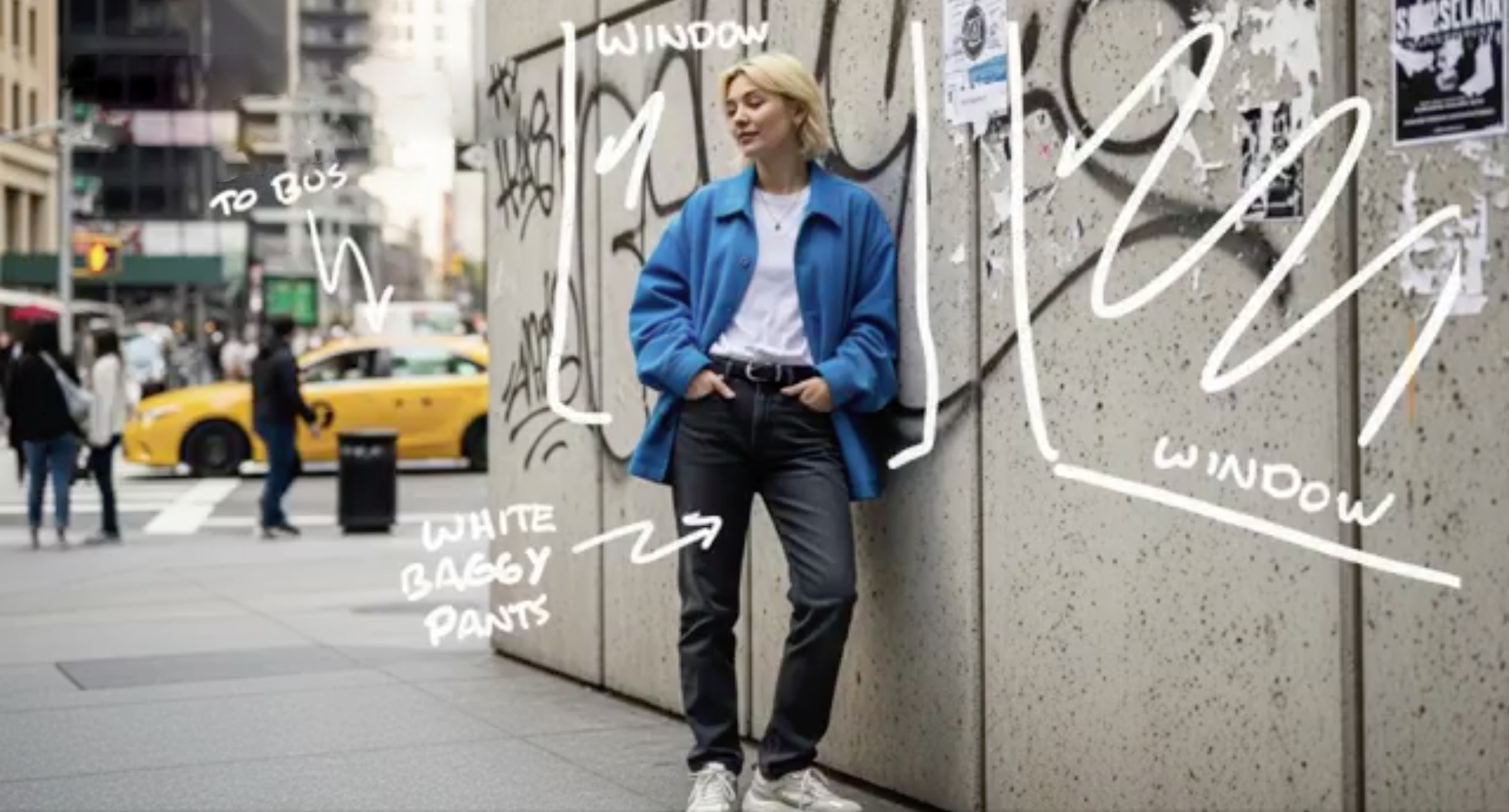
Veo 3 Image to Video
Upload a source image and describe the movement, camera behavior, and sound you want. The model uses the image as the starting visual context while generating the 8-second clip.
Veo 3 Text to Video
A detailed prompt can direct the subject, environment, camera movement, lighting, and sound in one place. This example combines a fast tracking shot with reflective materials and ambient sci-fi audio.
"Ultra-fast tracking shot through a sprawling futuristic cityscape where towering buildings are made of reflective organic chrome, glistening under a bright midday sun. Rainbow light flares and crystalline bokeh scatter across the frame as the camera dynamically weaves between structures. The sequence transitions into a close-up of a translucent chrome hive, where a detailed robotic worker bee moves with mechanical precision. High-detail cinematic lighting, shallow depth of field, and a low ambient sci-fi hum."
What You Can Create with Veo 3
Veo 3 combines video generation and native audio in one workflow, with practical controls for short-form creative production.
Native Video and Audio Generation
Veo 3 generates visuals with synchronized sound in the same pass. Add dialogue, ambience, music direction, or specific sound effects to your prompt so the audio supports the action on screen.
Text to Video and Image to Video
Generate a scene from a written prompt or animate an existing image. Text-to-video is ideal for exploring new concepts; image-to-video helps preserve the composition and visual direction of a source image.
Landscape and Vertical Video
Choose 16:9 for widescreen content or 9:16 for mobile-first video. Image-to-video also includes an Auto option that lets the system choose a suitable aspect ratio from your source image.
720p or 1080p Output
Generate 8-second clips at 720p, or use 1080p for compatible 16:9 workflows. Veo 3 outputs at 24 frames per second and is available in both standard and faster model variants.
How to Generate a Veo 3 Video
Create a short AI video from a prompt or image in three straightforward steps.
1. Start with Text or an Image
Select Text to Video and describe the scene, or choose Image to Video and upload a JPEG, PNG, or WebP image. Include the subject, action, setting, camera direction, lighting, and desired sound.
2. Choose the Format and Model
Choose 16:9 for landscape or 9:16 for portrait video, then select the standard or Fast variant. Use 720p for flexible creation or 1080p for a compatible 8-second, 16:9 output.
3. Generate and Review
Generate the clip and review the complete audiovisual result. Check motion, prompt adherence, dialogue, and sound synchronization, then download the preferred output for editing or publishing.
Veo 3 AI Video Generator FAQ
Answers about Veo 3 audio, input modes, video length, resolution, pricing, and prompt writing.
What makes Veo 3 different from other AI video generators?
Veo 3 was Google's first Veo model to generate native audio with video. It can create dialogue, ambience, and sound effects while following visual instructions, and it improved prompt adherence and physically plausible motion over earlier Veo models.
Does every video include audio automatically?
Veo 3 is designed to generate audio with the video automatically. Include important audio cues in your prompt rather than leaving them implied. Audio quality and synchronization can vary, so review the result before publishing.
Can I create videos from both text and images?
Yes. Use Text to Video to build a shot from a written description, or Image to Video to animate an uploaded image. For image input, describe the intended motion, camera behavior, and sound instead of only describing what the image already shows.
How long does generation take?
Google does not promise one fixed generation time. Processing varies with the model variant, input mode, resolution, Google product, and current demand. Veo 3 Fast is optimized for quicker iteration.
What resolutions are available?
Google's current Veo documentation lists 720p and 1080p output for Veo 3, with 1080p limited to compatible 8-second, 16:9 generations. Veo 3.1 adds newer high-resolution options, including 4K in supported products and APIs.
Can I use a Veo 3 video commercially?
Commercial use depends on the platform terms that apply to your account and on the rights in your prompt, uploaded images, audio direction, brands, and depicted people. Review the current terms before publishing or delivering client work; generation does not grant rights to third-party material.
What creative controls are available?
Veo 3 supports text-to-video and image-to-video generation, native audio prompts, 16:9 and 9:16 aspect ratios, 720p or compatible 1080p output, and a seed parameter that can slightly improve reproducibility without guaranteeing identical results.
How much does generation cost?
Pricing depends on where you use Veo 3, such as the Gemini API, Vertex AI, Gemini, or Flow, and whether you choose the standard or Fast model. Check the current pricing and usage terms for the Google product you use.
Why do my generations keep failing?
A request can fail because of Google's safety filters, unsupported input or parameter combinations, regional person-generation restrictions, or a temporary service error. Check the returned error, verify the model specifications, and revise the prompt or source image before trying again.
How long are generated videos?
Veo 3 creates 8-second clips. Plan one clear action or camera move per generation for a coherent result. Veo 3.1 offers additional duration and extension options in supported Google products.
How do I get better results?
Write one focused shot and specify the subject, action, setting, framing, camera movement, lighting, visual style, and sound. Put spoken dialogue in quotation marks and name important effects explicitly. If a result is too busy, simplify the action before adding more detail.
Can I create videos longer than 8 seconds?
Veo 3 generates 8-second clips. For a longer edit, create separate shots and assemble them in a video editor, or use Veo 3.1's video-extension capability in a supported Google product or API.